Melbourne Indigenous Arts Festival
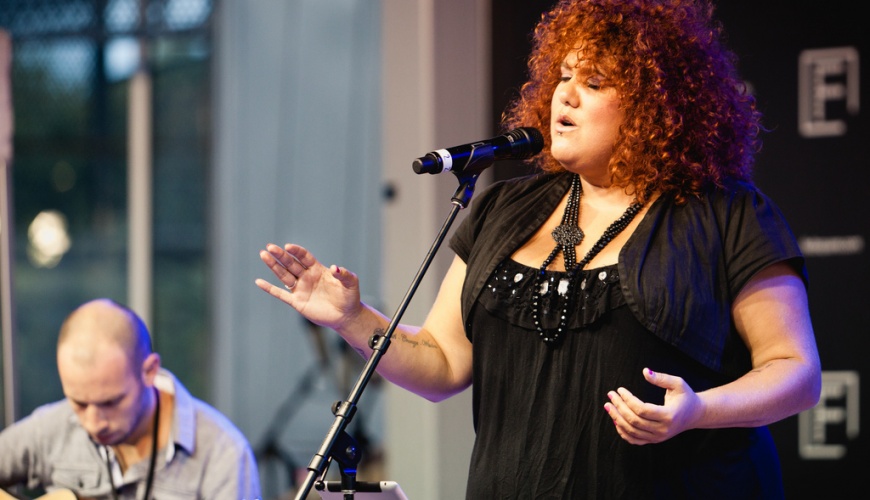
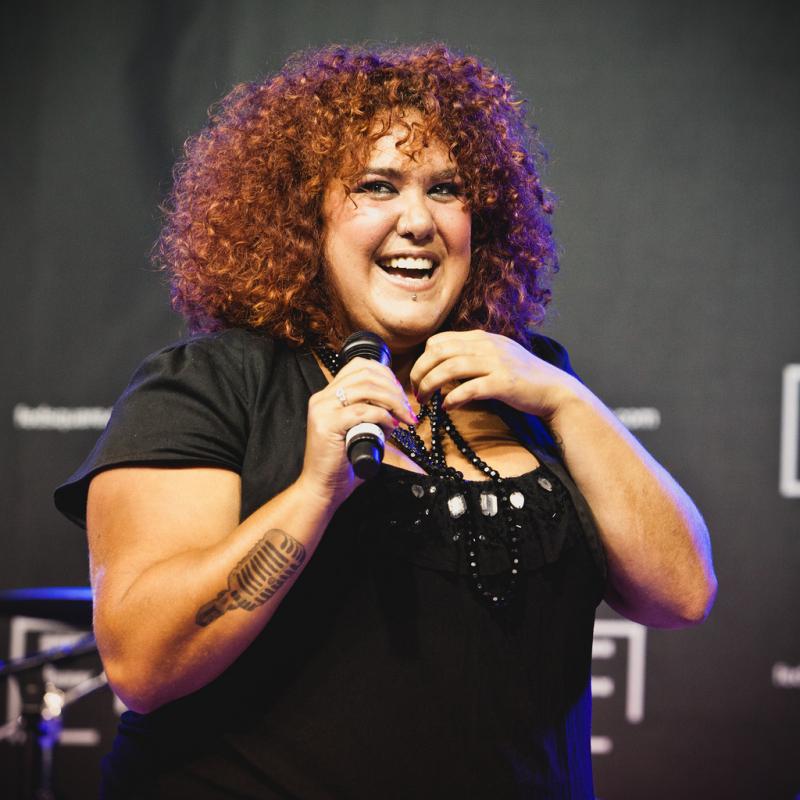
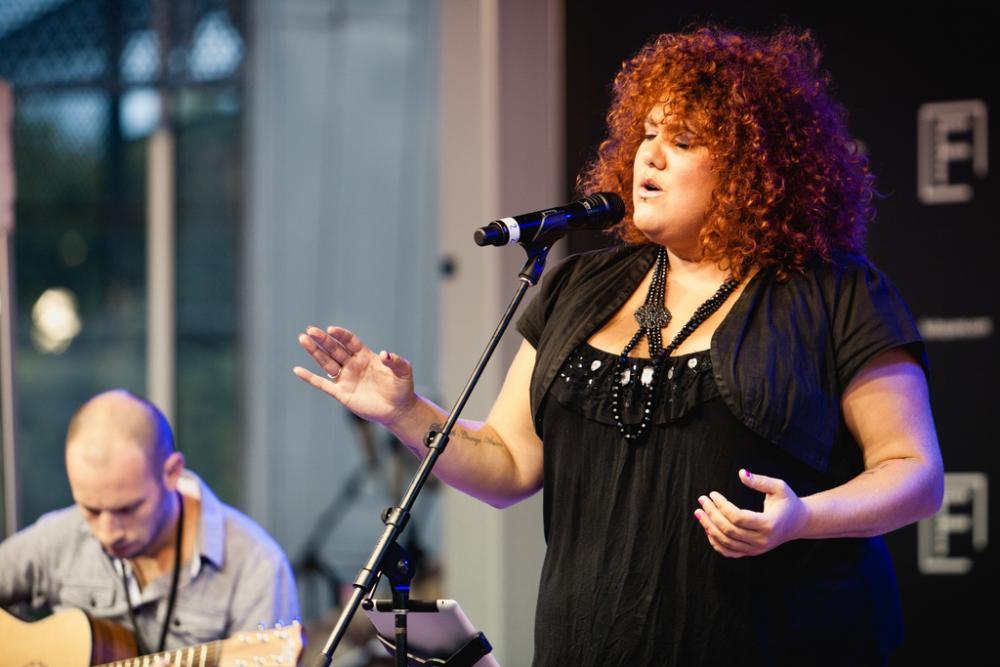
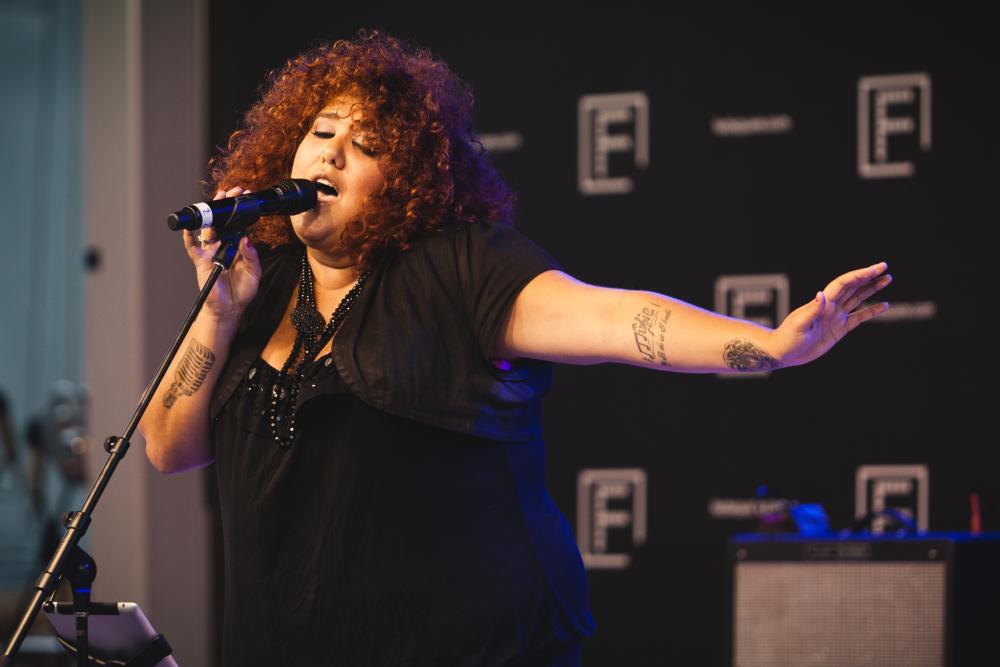
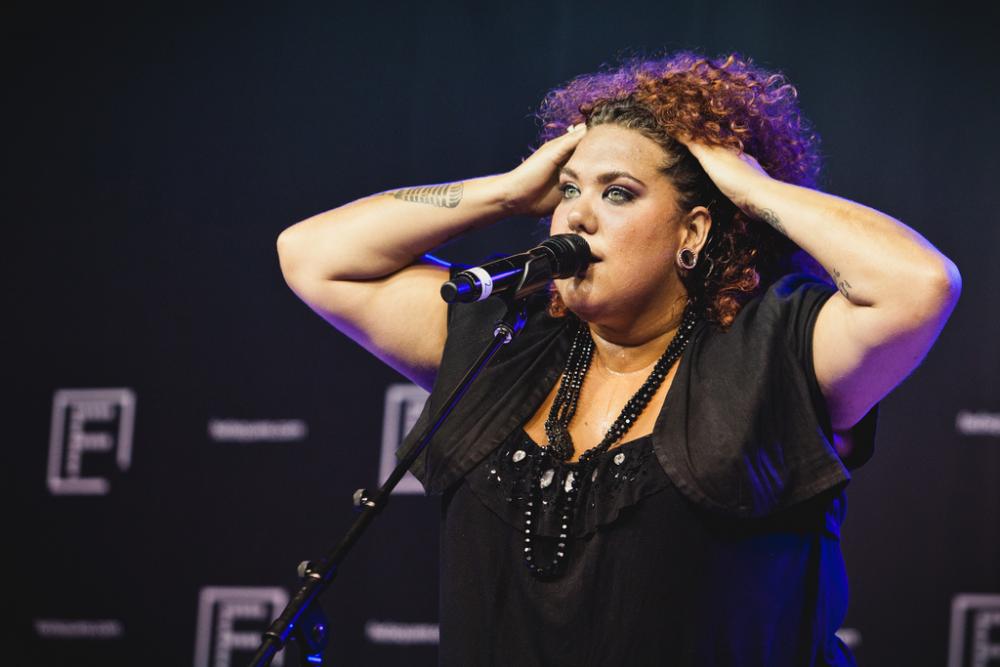
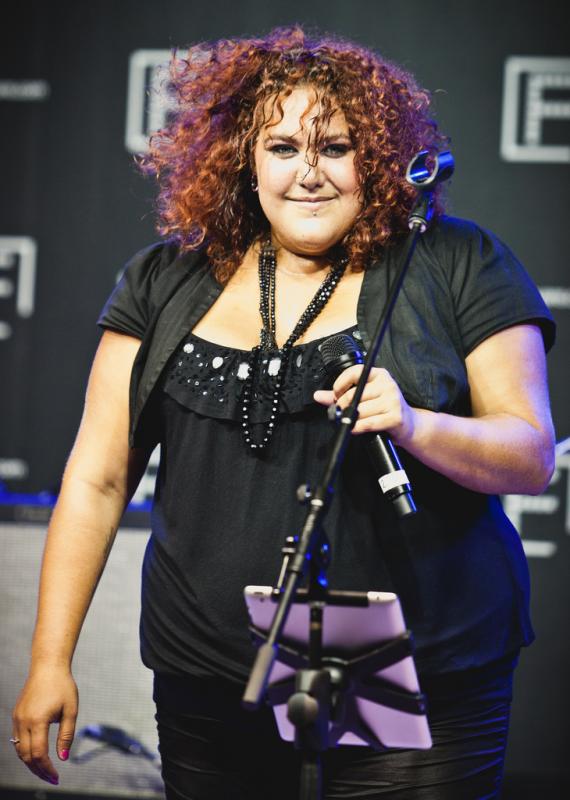
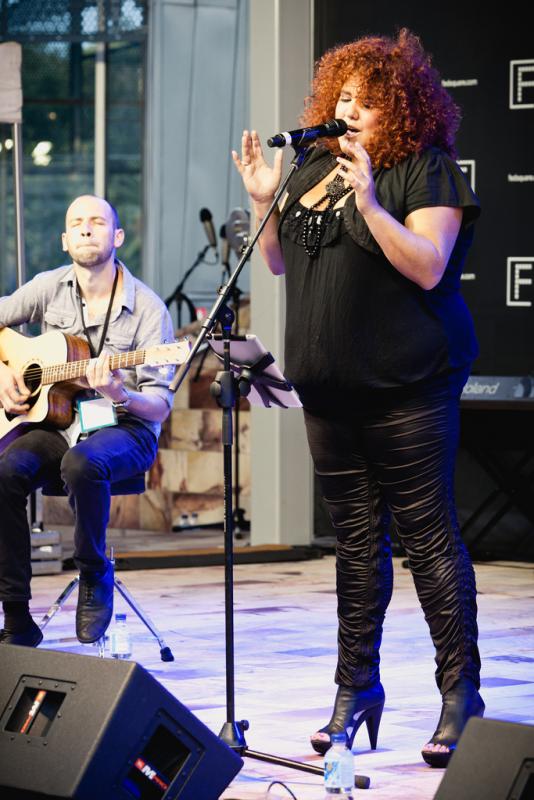
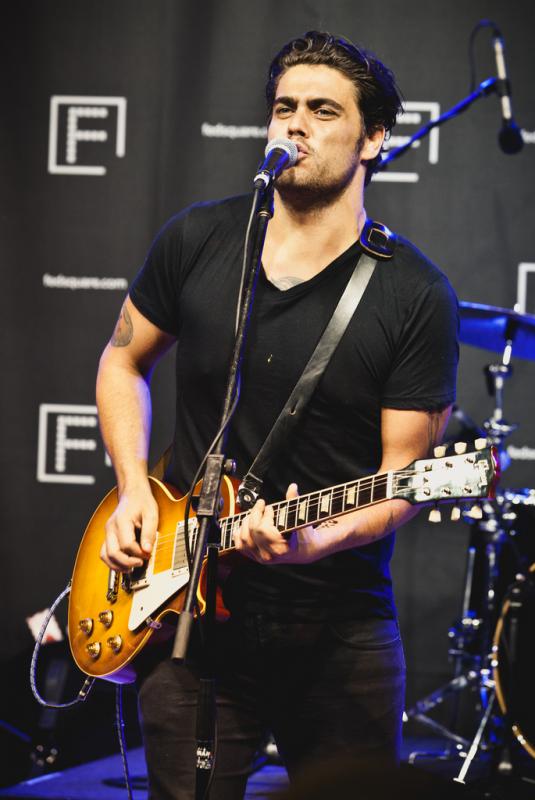
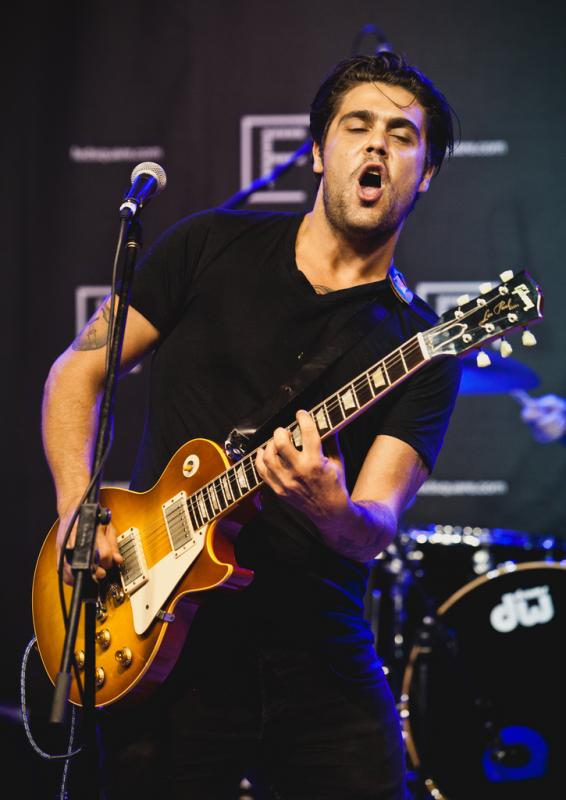
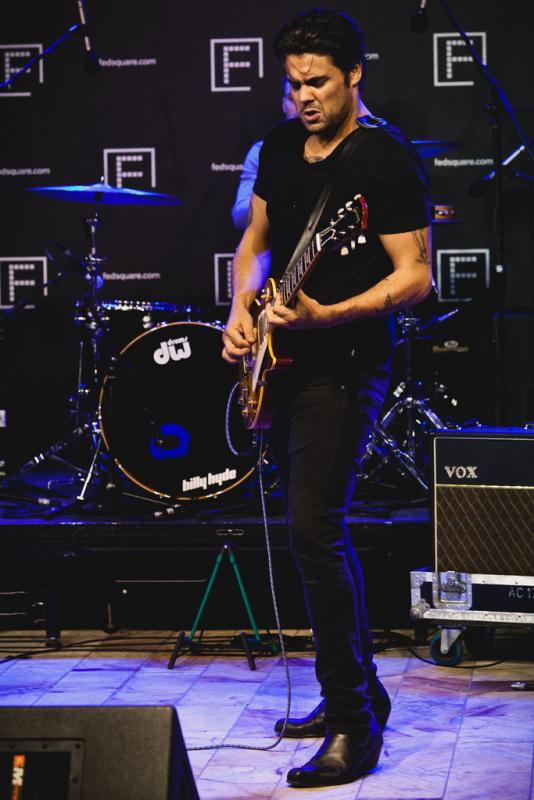
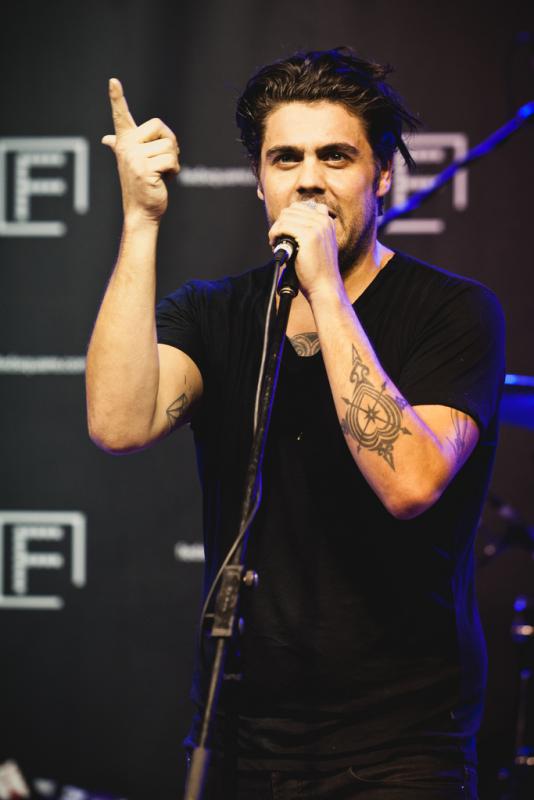
Casey Donovan performing at the 2012 Melbourne Indigenous Arts Festival at Federation Square.
© James TroiThis past weekend saw Federation Square host the Melbourne Indigenous Arts Festival, a collection of Indigenous culture on display including moving picture, sculpture, painting, photography and music. When I saw the line up included former Australian Idol Casey Donovan I decided to take my camera along and make some photos.
Casey is a great performer, she puts so much of herself into her art it's just beautiful to watch the joy she has as she shares her music with a crowd.
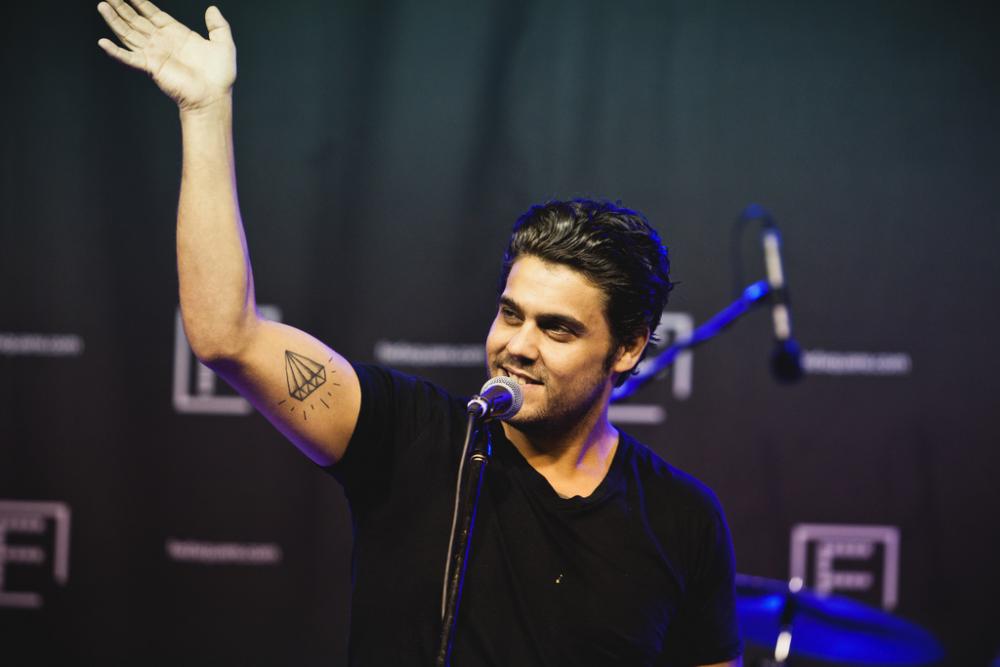
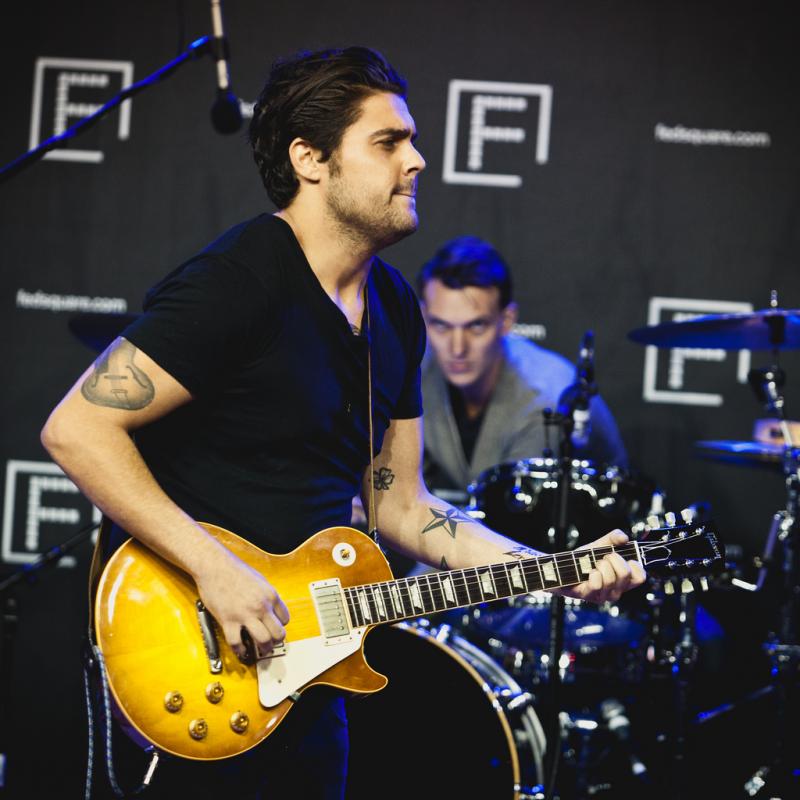
Following Casey was Dan Sultan, a crowd favourite for sure. Having positioned myself just right of stage centre (so the microphone wouldn't always be in the middle of the signer's face) I was quickly engulfed in a mass of people when Dan arrived on the stage. He's just as energetic as Casey and had the crowd singing along loudly to his tunes.
The shoot details
Knowing I was going to be in a crowd I chose to forego the use of a tripod for which, within the confines of Melbourne City you're supposed to have a permit anyway, and went handheld. Knowing from experience that stage lighting isn't there for a photographer's benefit, and would be pretty poor, I pushed my ISO to 1600. Of course ISO 1600, even on a 5D MkII means a "noisy" photo, but that's not something I tend to worry about, especially for live music shots.
There's a few things about noise;
- It gives the photo a bit of a grunge factor, when viewed closely,
- Most of our images are resized for use and in resizing the noise becomes less obvious (depending on how you resize the shot),
- Lightroom and other photo applications are extremely good at removing the noise, if that's the look you'd prefer.
Being jostled in a crowd makes for a difficult shooting environment, especially when the folks in front of you are jumping about and you're trying to stop your 70-200mm lens from being hit by flailing arms. But I think I managed to make some decent shots.
The post processing
I use Lightroom 3 for all my shots. And these days very few images see the inside of Photoshop. Lightroom 3's ability for spot removal and minor non-destructive adjustments makes it easy to use. And with a set of Presets like Lab-In-A-Box most of my post processing work is just a few short clicks.
I also shared a couple of photos on Twitter and mentioned @caseydonovan, she replied saying she likes the photos on my Flickr photostream, so I'm happy now. ;)